Walkthrough
Year-end money talk without a permanent “finance bros” group
October to December is when grown-ups remember that heat costs money, contents insurance exists, and someone should ask whether the broadband is still named after a housemate who left in 2022. That conversation deserves a timer, not a brand.
Sponsored offer — optional, not required to create or join a room.
The searches that pay, the chat that should not last
Split rent chat, energy switch UK, compare broadband, contents insurance quotes, year-end budget, 401k / ISA chat among friends. Advertisers love this season. Your group does not need to become their forever retargeting pool inside a family thread.
QuickRoom is not a bank, broker, or comparison site. Keep account numbers in the bank app. The room is for “engineer is in the drive” and a photo of the meter that looks like modern art.
A boring, correct setup
- Business or Family template, Private.
- 7 days for a switch-over week, 3 months if the tenancy is a telenovela.
- No NI / SSN / full IBAN in the transcript.
- January reset: start a fresh room for “debt diet” accountability. Do not recycle the Halloween thread. That is how hauntings work.
Not advice, just a lid on the group
If you need regulated advice, call a regulated human. If you need a lid, set expiry. When the tenancy ends, the chat should end. Ghosts belong in October, not in the standing order.
How to start
- Open QuickRoom and choose Create Room for a QuickRoom temporary chat.
- Pick a clear room name and an expiry that matches the real end of the work: an hour, a day, a week, or up to three months.
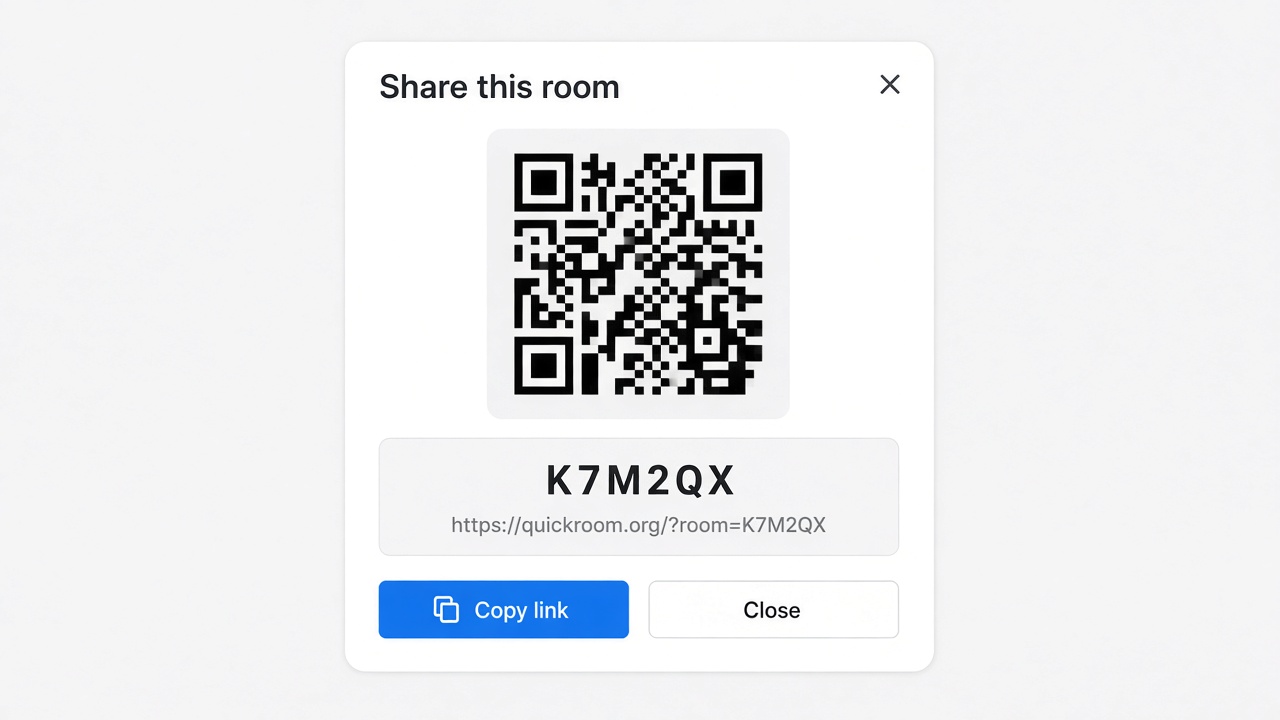
- Share the room code (or link/QR) with the people who need to join.
- Talk in the browser, share images if useful, then let the room expire when the moment is over.
Privacy and access
Temporary chat on QuickRoom is designed for short-lived coordination. Participants join with a room code and a nickname—no email address, phone number, or app install is required.
Treat the room code like an invitation. Share it only with the people who should be in the conversation, especially for Private or Invite Only rooms.
When the expiry you chose is reached, the room and its messages and images are cleaned up according to QuickRoom’s temporary-room lifecycle. That keeps the conversation from becoming another permanent group you never meant to keep.
Frequently asked questions
Is a QuickRoom temporary chat free to use?
Yes. Creating and joining a QuickRoom does not require a paid plan or an account for the core temporary chat experience.
Do people need to install an app?
No. Everyone joins from a modern browser with the room code and a nickname.
Do participants need phone numbers or email addresses?
No. QuickRoom uses anonymous browser identities for temporary rooms instead of permanent profiles.
How long does a room last?
You choose the expiry when you create the room. Common options include one hour, six hours, one day, one week, or three months.
Is a room code public?
Anyone who has the code can attempt to join. Share codes directly with the intended group and avoid posting them on public pages when the conversation should stay private.