Walkthrough
Black Friday deal chat that will not haunt your phone in January
November is a contact sport: gifts, fake discounts, “should we buy travel insurance,” and a cousin who forwards every 3% off. You can hunt together without letting the hunt become the family operating system.
Sponsored offer — optional, not required to create or join a room.
Why this window pays (and why your chat should still expire)
From October through December, advertisers bid up finance, gifts, VPN travel/privacy, and insurance. That is their business. Yours is not hosting a permanent “DEALS!!!” museum. Open a Private room covering Black Friday (27 November 2026) through Cyber Monday. Seven-day expiry is the whole personality.
Keywords: Black Friday group chat, Cyber Monday deals chat, gift exchange group chat, Secret Santa ideas without WhatsApp.
A responsible little greed
- Paste the link. Do not paste the card number.
- If a price looks like a hostage situation, it is. Walk away.
- Insurance and VPN purchases belong on the vendor site, not as a screenshot of a CVV.
- UK Boxing Day browsers and US doorbuster people can share a room; they cannot share a personality. Mute is a gift.
After Cyber Monday
Let the room die. Returns go in the retailer app. The family group can go back to birthdays, which is the only thread that earned permanence.
How to start
- Open QuickRoom and choose Create Room for a QuickRoom temporary chat.
- Pick a clear room name and an expiry that matches the real end of the work: an hour, a day, a week, or up to three months.
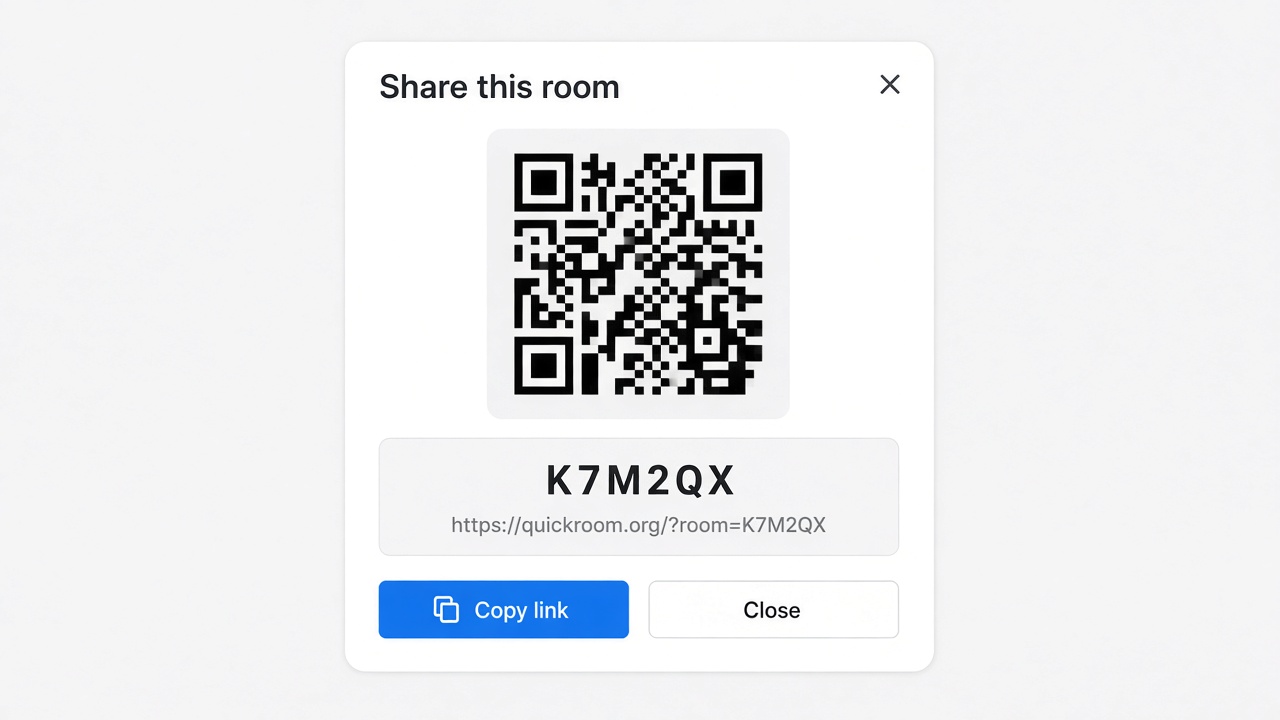
- Share the room code (or link/QR) with the people who need to join.
- Talk in the browser, share images if useful, then let the room expire when the moment is over.
Privacy and access
Temporary chat on QuickRoom is designed for short-lived coordination. Participants join with a room code and a nickname—no email address, phone number, or app install is required.
Treat the room code like an invitation. Share it only with the people who should be in the conversation, especially for Private or Invite Only rooms.
When the expiry you chose is reached, the room and its messages and images are cleaned up according to QuickRoom’s temporary-room lifecycle. That keeps the conversation from becoming another permanent group you never meant to keep.
Frequently asked questions
Is a QuickRoom temporary chat free to use?
Yes. Creating and joining a QuickRoom does not require a paid plan or an account for the core temporary chat experience.
Do people need to install an app?
No. Everyone joins from a modern browser with the room code and a nickname.
Do participants need phone numbers or email addresses?
No. QuickRoom uses anonymous browser identities for temporary rooms instead of permanent profiles.
How long does a room last?
You choose the expiry when you create the room. Common options include one hour, six hours, one day, one week, or three months.
Is a room code public?
Anyone who has the code can attempt to join. Share codes directly with the intended group and avoid posting them on public pages when the conversation should stay private.