Walkthrough
Pack a VPN, not a leftover group: travel chat that expires
“Best VPN for travel” is a sensible search: hotel Wi‑Fi collects hobbies you did not consent to. “Family trip WhatsApp 2018–present” is how boarding passes become folklore. Encrypt the pipe. Expire the chatter.
Sponsored offer — optional, not required to create or join a room.
Two different privacy jobs
A VPN (the product you are probably about to be advertised) hides your traffic from the network. QuickRoom hides nothing magical from the operator of a website—read the privacy policy—but it does refuse to demand a phone number, and it deletes the room when the timer ends.
Together they match how adults actually travel: bank on a VPN, coordinate on a code, stop coordinating when the suitcase is in the hall.
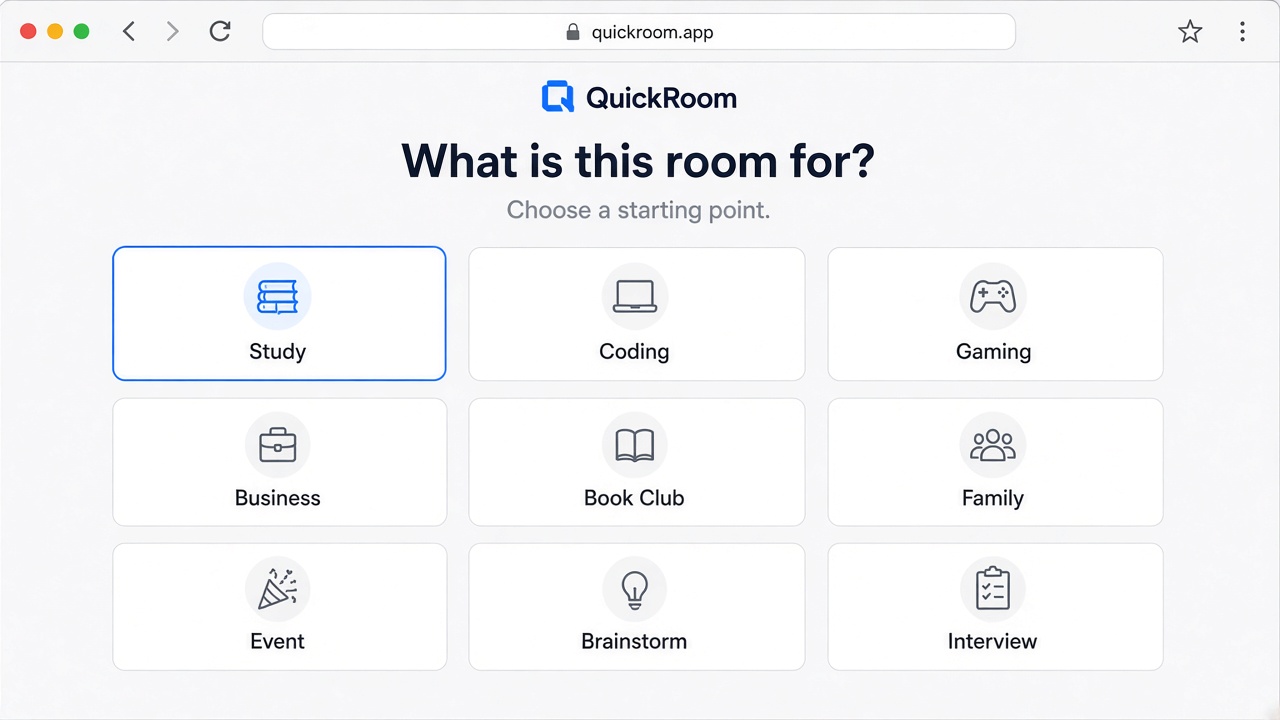
Setup for a week in Lisbon / a long weekend in Lyon
- Private Family or Event room named after the trip.
- Expiry: flight home + 24 hours.
- Code in the email that already has the bookings—not on a public story.
- No passport scans, no OTPs, no “here is the full card.” The VPN will not save you from that kind of creativity.
Who this is for
US groups split by iMessage. UK and Western Europe live on WhatsApp. Canada shrugs and uses both. A browser link is the uncool solution that works at the airport when someone forgot their SIM drama. Digital nomads: three-month expiry exists, but if the trip is a lifestyle, you already wanted Slack.
How to start
- Open QuickRoom and choose Create Room for a QuickRoom temporary chat.
- Pick a clear room name and an expiry that matches the real end of the work: an hour, a day, a week, or up to three months.
- Share the room code (or link/QR) with the people who need to join.
- Talk in the browser, share images if useful, then let the room expire when the moment is over.
Privacy and access
Temporary chat on QuickRoom is designed for short-lived coordination. Participants join with a room code and a nickname—no email address, phone number, or app install is required.
Treat the room code like an invitation. Share it only with the people who should be in the conversation, especially for Private or Invite Only rooms.
When the expiry you chose is reached, the room and its messages and images are cleaned up according to QuickRoom’s temporary-room lifecycle. That keeps the conversation from becoming another permanent group you never meant to keep.
Frequently asked questions
Is a QuickRoom temporary chat free to use?
Yes. Creating and joining a QuickRoom does not require a paid plan or an account for the core temporary chat experience.
Do people need to install an app?
No. Everyone joins from a modern browser with the room code and a nickname.
Do participants need phone numbers or email addresses?
No. QuickRoom uses anonymous browser identities for temporary rooms instead of permanent profiles.
How long does a room last?
You choose the expiry when you create the room. Common options include one hour, six hours, one day, one week, or three months.
Is a room code public?
Anyone who has the code can attempt to join. Share codes directly with the intended group and avoid posting them on public pages when the conversation should stay private.