Walkthrough
iPhone 18 Pro offers: a global deal chat that expires with the launch week
Launch week is a contact sport: US carrier trade-ins, UK VAT-inclusive shelves, EU shop prices that look cheaper until you add the brick, and a cousin who “found it cheaper in Hong Kong” without the charger. You can compare public offers together without turning the family WhatsApp into a 256GB spreadsheet.
Sponsored offer — optional, not required to create or join a room.
This is a chat room, not an Apple Store
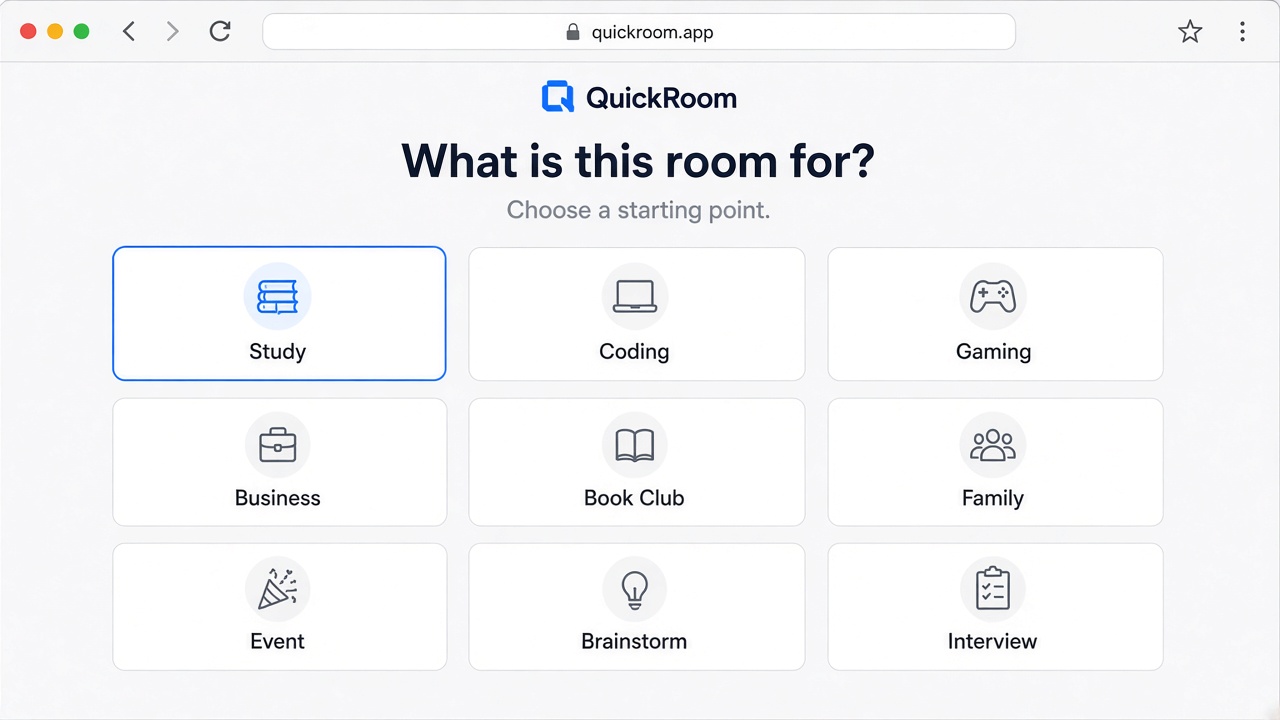
QuickRoom does not sell iPhones. Open a Private room named after the model and the week (“iPhone 18 Pro — 19 Sep”), set expiry for seven days, and paste the code only to people who already know each other. Nickname, link, timer. That is the product.
Keywords people actually type: iPhone 18 Pro deals, iPhone 18 Pro trade-in, cheapest iPhone 18 Pro UK, iPhone 18 Pro carrier offer US, iPhone 18 Pro EU price.
How to compare offers without lying to yourselves
- Paste the public product page, not a screenshot of a card, CVV, or Apple ID.
- Say the country and the currency in the same message. “$999” in Canada is not “$999” in the US.
- Carrier “free” phones are a contract. Write the months, the early-exit fee, and whether the handset is locked.
- VAT, shipping, and the missing charger are part of the price. If someone omits them, the offer is incomplete, not clever.
- Grey-import and “friend in Shenzhen” listings are adult risk. If you would not tell a bank the story, do not use that checkout.
- 18+ only. This is not a school procurement thread.
A sane room for launch week
Keep the family group for birthdays. Keep the Apple Store, carrier, and bank apps for the actual purchase. The QuickRoom is the scratch pad: which 256GB Natural finish is actually in stock in London, whether the US trade-in number survived the fine print, and who is waiting for the EU listing to stop flickering.
When the week is over, let the room expire. Returns and delivery tracking belong in the retailer app. Nobody needs a permanent museum of almost-deals.
How to start
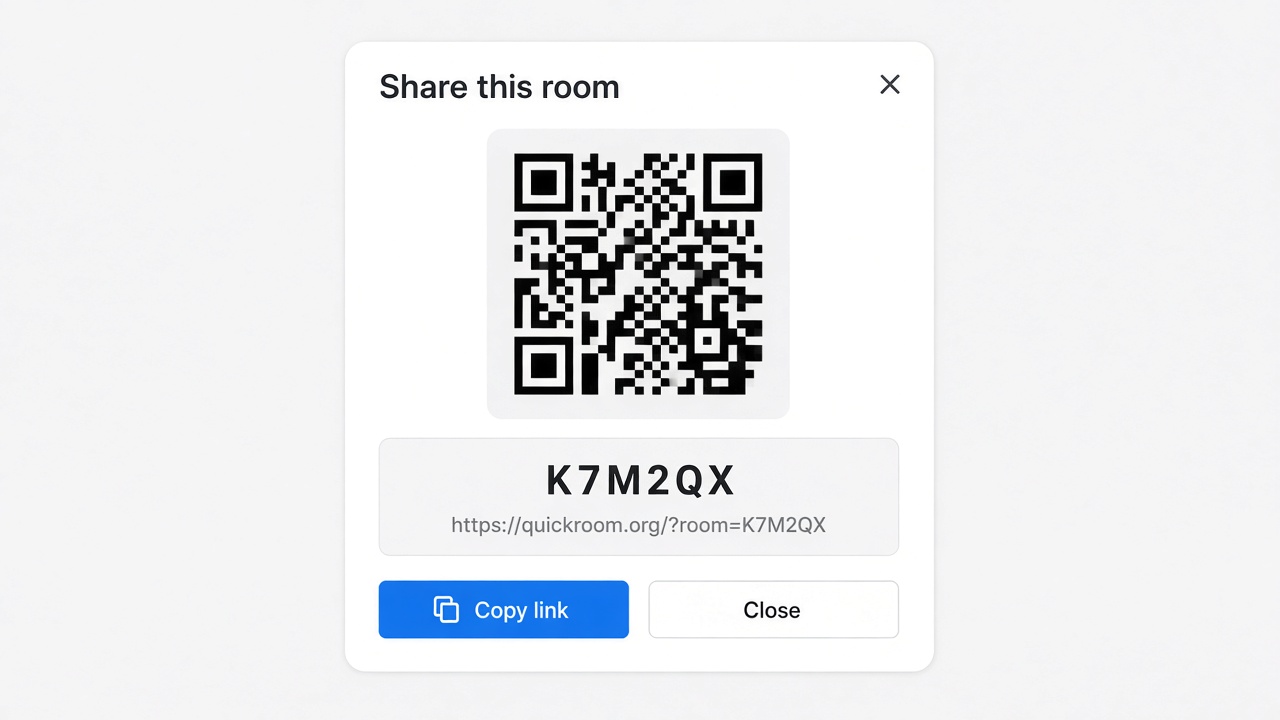
- Open QuickRoom and choose Create Room for a QuickRoom temporary chat.
- Pick a clear room name and an expiry that matches the real end of the work: an hour, a day, a week, or up to three months.
- Share the room code (or link/QR) with the people who need to join.
- Talk in the browser, share images if useful, then let the room expire when the moment is over.
Privacy and access
Temporary chat on QuickRoom is designed for short-lived coordination. Participants join with a room code and a nickname—no email address, phone number, or app install is required.
Treat the room code like an invitation. Share it only with the people who should be in the conversation, especially for Private or Invite Only rooms.
When the expiry you chose is reached, the room and its messages and images are cleaned up according to QuickRoom’s temporary-room lifecycle. That keeps the conversation from becoming another permanent group you never meant to keep.
Frequently asked questions
Is a QuickRoom temporary chat free to use?
Yes. Creating and joining a QuickRoom does not require a paid plan or an account for the core temporary chat experience.
Do people need to install an app?
No. Everyone joins from a modern browser with the room code and a nickname.
Do participants need phone numbers or email addresses?
No. QuickRoom uses anonymous browser identities for temporary rooms instead of permanent profiles.
How long does a room last?
You choose the expiry when you create the room. Common options include one hour, six hours, one day, one week, or three months.
Is a room code public?
Anyone who has the code can attempt to join. Share codes directly with the intended group and avoid posting them on public pages when the conversation should stay private.