Walkthrough
Halloween group chat: costumes, ice, and a room that ends 1 November
Halloween is a 24-hour permission slip to be ridiculous. The WhatsApp named “🎃💀???” is a 365-day hostage situation. Here is a room that knows when October ends.
Sponsored offer — optional, not required to create or join a room.
Four weeks out (yes, now)
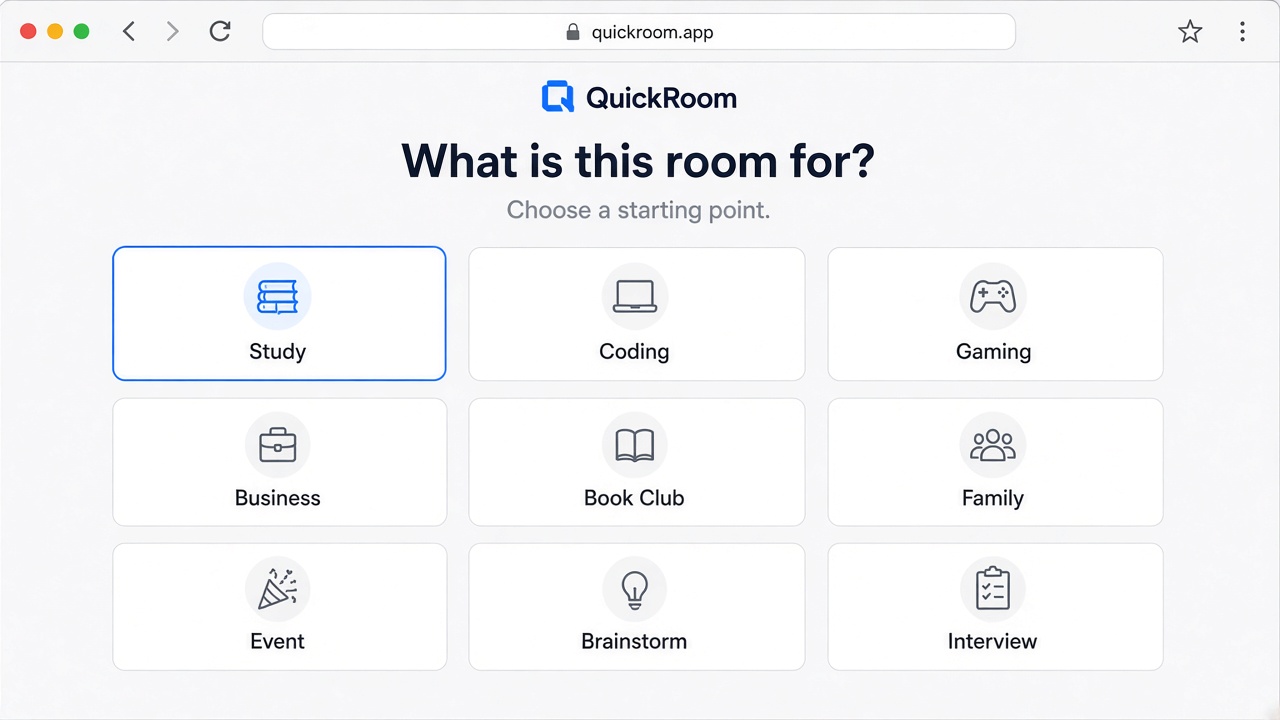
Search phrases people actually type: Halloween group chat, Halloween party planning, costume group chat, Friendsgiving-adjacent snack diplomacy. Create an Event room in early October. Private. Expiry 1 November, or 24 hours if your guests make decisions like raccoons.
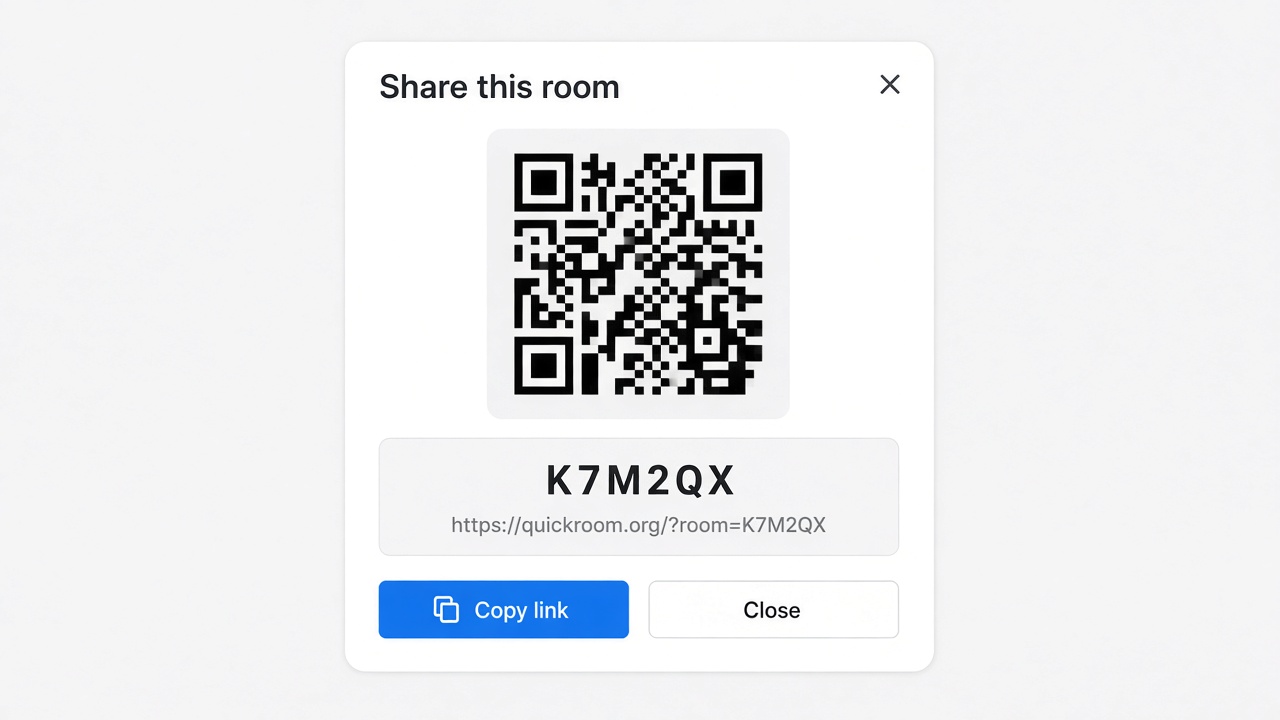
Share the code in the one Instagram close-friends note or email that already has the adults. QuickRoom is 18+. Children’s trick-or-treat logistics belong in a school-approved tool, not here.
What the thread is for
- Costume vetoes (“no, we are not all going as Excel”).
- A photo of the porch so people can find the house without doxxing the postcode in a public post.
- Ice, cups, who is allergic to the dip.
- A 23:47 message that simply says “the neighbours have a fog machine and I am afraid.”
What it is not
Not a dating app in a witch hat. Not a stranger lobby. Not a place for under-18 costume clubs. If you want the group to persist as a friend circle, you already have iMessage. This room is the party’s digestive system: useful, then gone.
How to start
- Open QuickRoom and choose Create Room for a QuickRoom temporary chat.
- Pick a clear room name and an expiry that matches the real end of the work: an hour, a day, a week, or up to three months.
- Share the room code (or link/QR) with the people who need to join.
- Talk in the browser, share images if useful, then let the room expire when the moment is over.
Privacy and access
Temporary chat on QuickRoom is designed for short-lived coordination. Participants join with a room code and a nickname—no email address, phone number, or app install is required.
Treat the room code like an invitation. Share it only with the people who should be in the conversation, especially for Private or Invite Only rooms.
When the expiry you chose is reached, the room and its messages and images are cleaned up according to QuickRoom’s temporary-room lifecycle. That keeps the conversation from becoming another permanent group you never meant to keep.
Frequently asked questions
Is a QuickRoom temporary chat free to use?
Yes. Creating and joining a QuickRoom does not require a paid plan or an account for the core temporary chat experience.
Do people need to install an app?
No. Everyone joins from a modern browser with the room code and a nickname.
Do participants need phone numbers or email addresses?
No. QuickRoom uses anonymous browser identities for temporary rooms instead of permanent profiles.
How long does a room last?
You choose the expiry when you create the room. Common options include one hour, six hours, one day, one week, or three months.
Is a room code public?
Anyone who has the code can attempt to join. Share codes directly with the intended group and avoid posting them on public pages when the conversation should stay private.