Walkthrough
Election night without turning the family WhatsApp into a war crime
On 3 November 2026 the maps will refresh faster than anyone’s manners. You can watch with friends without tattooing the argument onto a family group that also contains a cousin’s baby photos. That is not cowardice. That is interior design.
Sponsored offer — optional, not required to create or join a room.
Keywords people will type at 21:00 Eastern
Election night group chat, midterms 2026 live chat, family politics without WhatsApp, watch party results. Create the room four weeks out (early October) so the code is already in the calendar invite. Private. Name it after the night, not after a candidate.
UK, Canada, and Western Europe will lurk too—US nights are a spectator sport. Same setup: adults only, expiry the next morning, no “who did you vote for” roll call in a tool that is not a civic record.
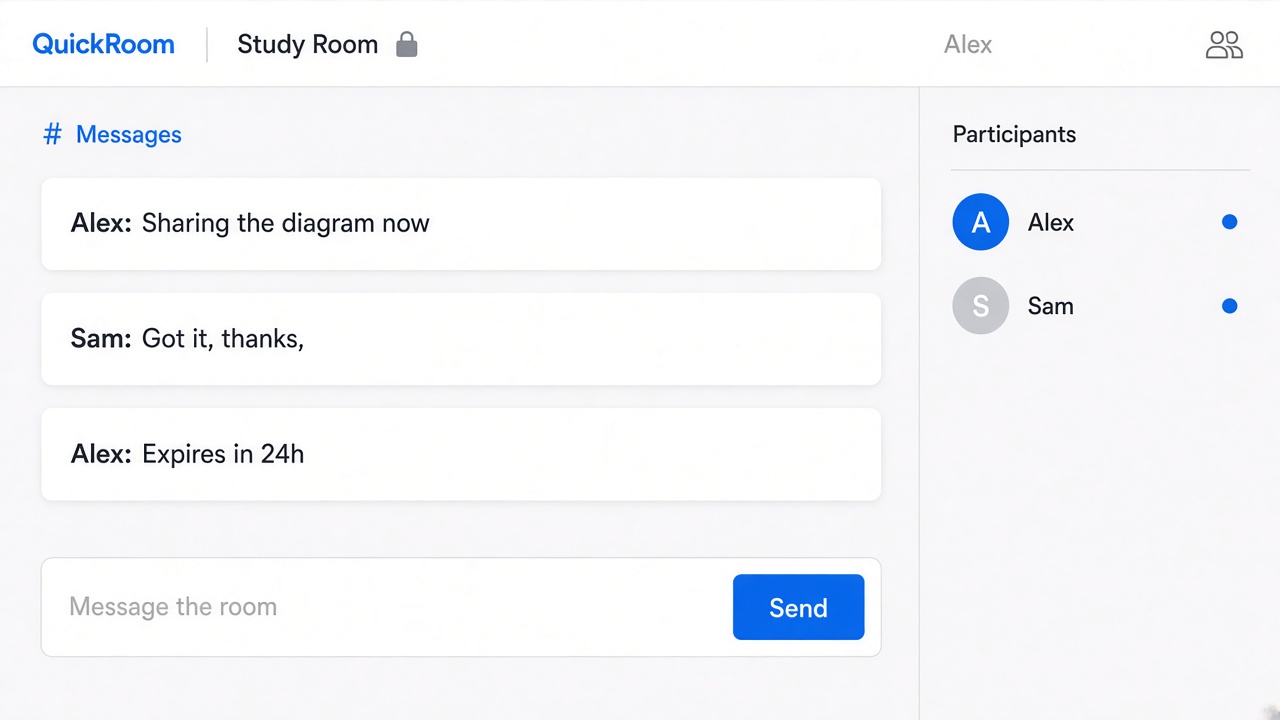
House rules that keep the furniture intact
- Screenshots of maps: fine. Doxxing poll workers: never.
- If it would get you thrown out of a pub, do not type it.
- Money, donations, and official results live on official sites—not as a spreadsheet in the room.
- When someone needs a break, they close the tab. The room will die at expiry whether or not Uncle finishes his TED Talk.
Why not the family group
Because you still want to be invited at Thanksgiving. A disposable election-night room is how adults watch a civic circus without turning kinship into a mention. Set expiry for 4 November 2026 and go outside.
How to start
- Open QuickRoom and choose Create Room for a QuickRoom temporary chat.
- Pick a clear room name and an expiry that matches the real end of the work: an hour, a day, a week, or up to three months.
- Share the room code (or link/QR) with the people who need to join.
- Talk in the browser, share images if useful, then let the room expire when the moment is over.
Privacy and access
Temporary chat on QuickRoom is designed for short-lived coordination. Participants join with a room code and a nickname—no email address, phone number, or app install is required.
Treat the room code like an invitation. Share it only with the people who should be in the conversation, especially for Private or Invite Only rooms.
When the expiry you chose is reached, the room and its messages and images are cleaned up according to QuickRoom’s temporary-room lifecycle. That keeps the conversation from becoming another permanent group you never meant to keep.
Frequently asked questions
Is a QuickRoom temporary chat free to use?
Yes. Creating and joining a QuickRoom does not require a paid plan or an account for the core temporary chat experience.
Do people need to install an app?
No. Everyone joins from a modern browser with the room code and a nickname.
Do participants need phone numbers or email addresses?
No. QuickRoom uses anonymous browser identities for temporary rooms instead of permanent profiles.
How long does a room last?
You choose the expiry when you create the room. Common options include one hour, six hours, one day, one week, or three months.
Is a room code public?
Anyone who has the code can attempt to join. Share codes directly with the intended group and avoid posting them on public pages when the conversation should stay private.