Walkthrough
Temporary team chat in Europe without a WhatsApp number list
WhatsApp is already on the phone, so it becomes the workshop thread by default. That quietly copies a phone-number graph for an afternoon that should have ended at 17:00. A room code is a smaller request.
Sponsored offer — optional, not required to create or join a room.
What we store versus what WhatsApp stores
QuickRoom stores nicknames, messages, and images until the expiry you chose, plus an anonymous Firebase ID for that browser. We do not ask for a mobile number. Advertising on public pages, if you allow it, uses a consent banner in the EEA, UK, and Switzerland. Live rooms do not show ads.
That is not a substitute for your organisation’s DPA. Keep contracts, invoices, and special-category data in the systems you already named to legal.
A workshop setup that fits GDPR-minded teams
- Create a Private room named after the work package or event.
- Expiry: end of day, or one week if you promised a follow-up window.
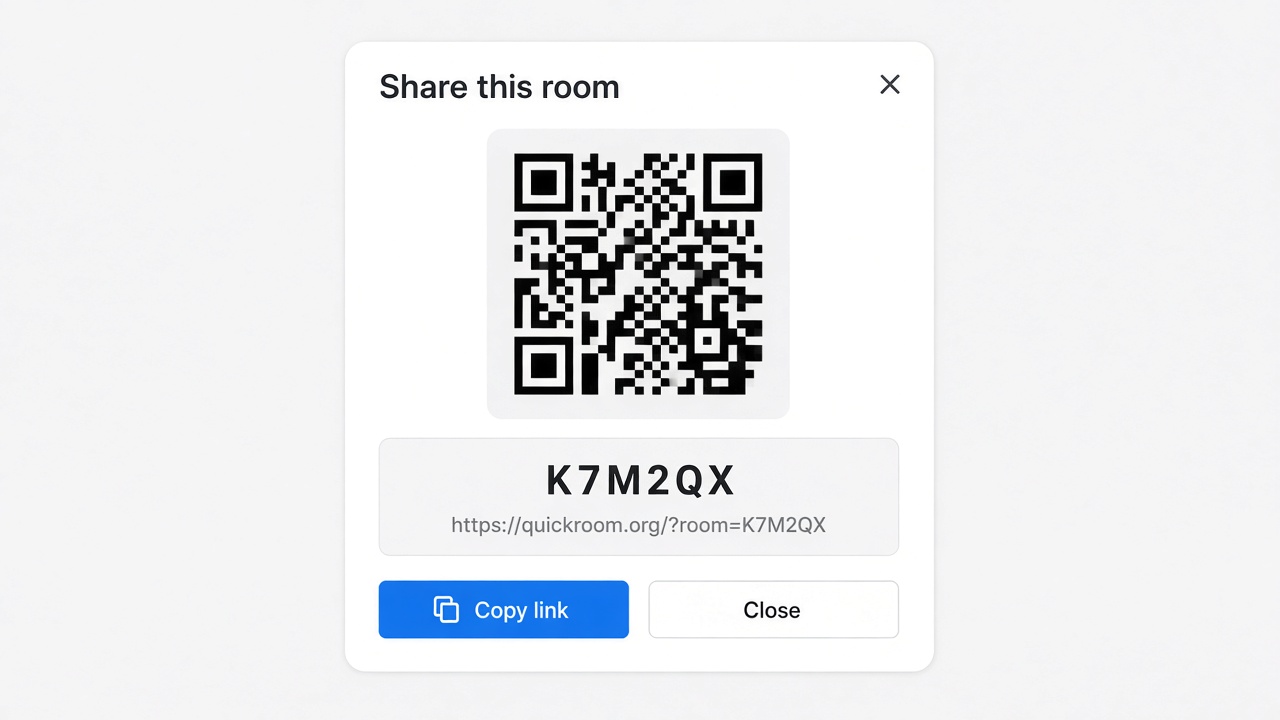
- Share the code in the confirmation email to people who already registered.
- French-speaking attendees can read product pages at /fr; the create UI is still English in this version, but messages are just text.
When not to use it
If works council or IT forbids any tool outside the approved list, follow that list. QuickRoom is for groups that are allowed to choose a lightweight browser room and want an end date.
How to start
- Open QuickRoom and choose Create Room for a QuickRoom temporary chat.
- Pick a clear room name and an expiry that matches the real end of the work: an hour, a day, a week, or up to three months.
- Share the room code (or link/QR) with the people who need to join.
- Talk in the browser, share images if useful, then let the room expire when the moment is over.
Privacy and access
Temporary chat on QuickRoom is designed for short-lived coordination. Participants join with a room code and a nickname—no email address, phone number, or app install is required.
Treat the room code like an invitation. Share it only with the people who should be in the conversation, especially for Private or Invite Only rooms.
When the expiry you chose is reached, the room and its messages and images are cleaned up according to QuickRoom’s temporary-room lifecycle. That keeps the conversation from becoming another permanent group you never meant to keep.
Frequently asked questions
Is a QuickRoom temporary chat free to use?
Yes. Creating and joining a QuickRoom does not require a paid plan or an account for the core temporary chat experience.
Do people need to install an app?
No. Everyone joins from a modern browser with the room code and a nickname.
Do participants need phone numbers or email addresses?
No. QuickRoom uses anonymous browser identities for temporary rooms instead of permanent profiles.
How long does a room last?
You choose the expiry when you create the room. Common options include one hour, six hours, one day, one week, or three months.
Is a room code public?
Anyone who has the code can attempt to join. Share codes directly with the intended group and avoid posting them on public pages when the conversation should stay private.